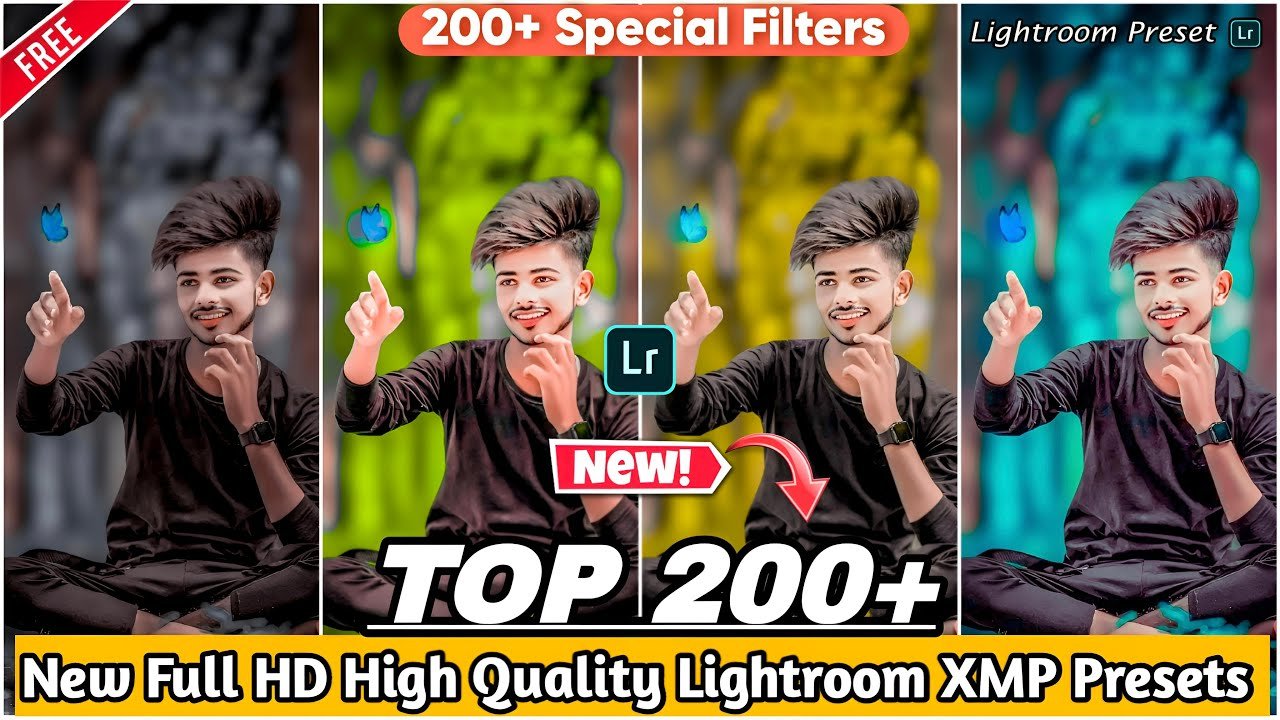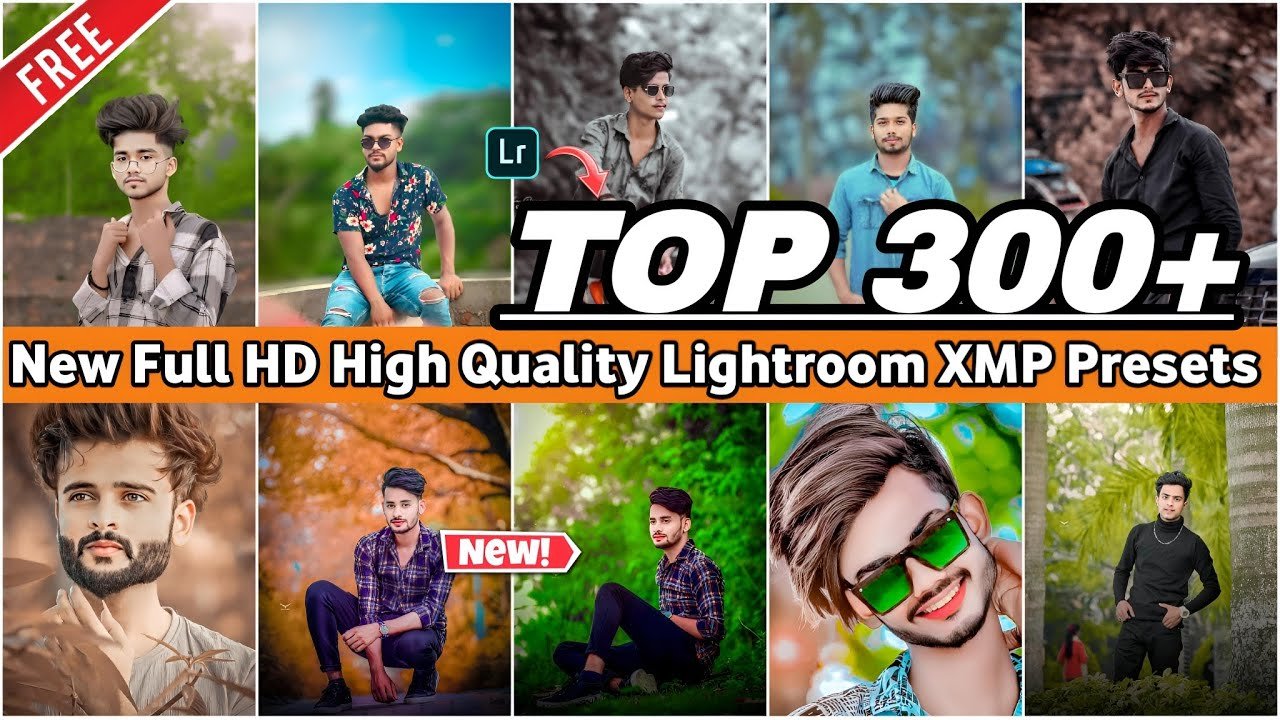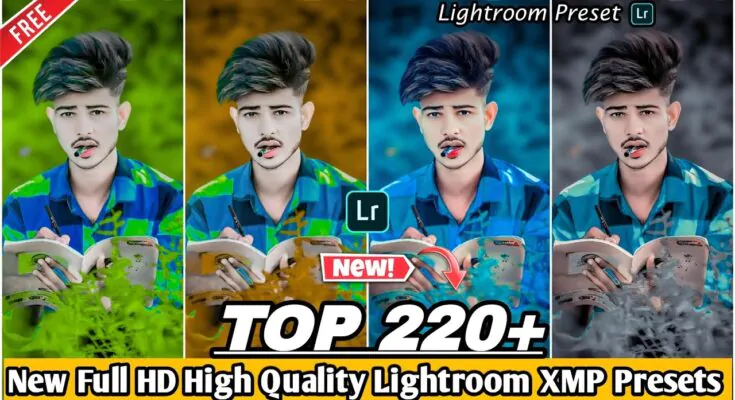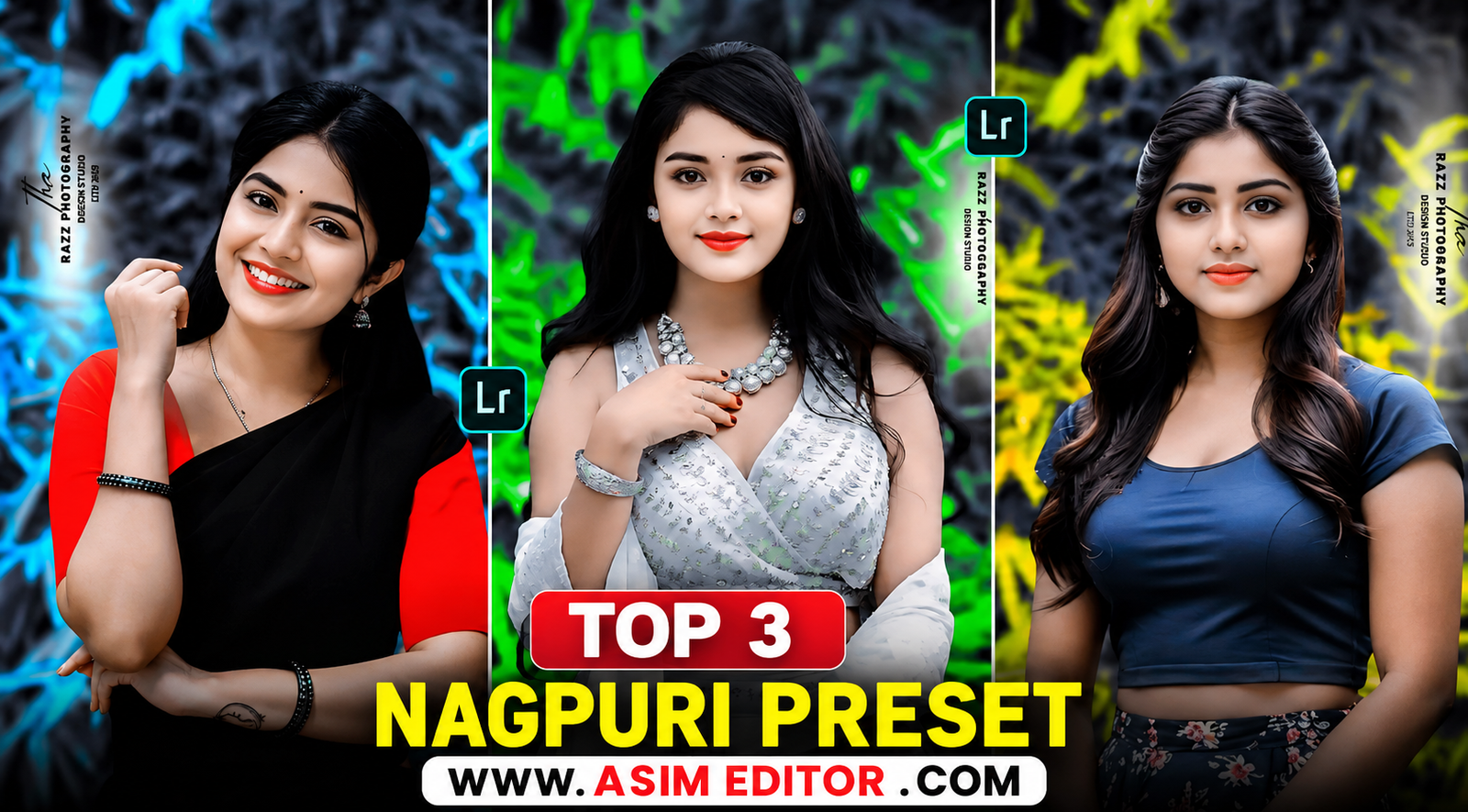
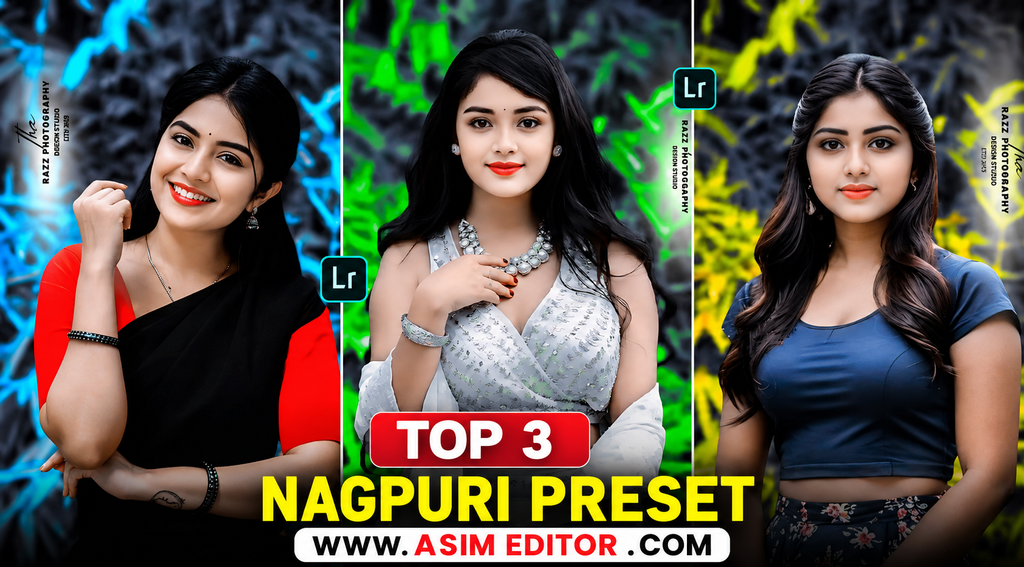
If you like stylish photo editing, you may have seen Nagpuri photo editing trending on Instagram and other social media platforms. This style usually features a black-and-white subject with a colorful background, such as red, blue, green, or yellow.
You can create this look in Adobe Lightroom using different editing tools. However, some advanced features may require a paid Lightroom plan. That’s why we’re sharing 3 Nagpuri Lightroom presets that can help you create a similar effect more easily.
Nagpuri Lightroom Presets
Nagpuri editing is popular because it gives photos a clean, creative, and eye-catching look. Usually, the photo is first converted into a black-and-white style, and then a selected color is added to the background.
With these presets, you can quickly apply a similar color style and then adjust the settings according to your photo.
What Is a Lightroom Preset?
A Lightroom preset is a saved collection of editing settings. Instead of adjusting exposure, contrast, colors, and other settings manually, you can apply a preset and make quick changes to your photo.
Common Lightroom preset formats include DNG and XMP. The installation process can be different depending on the preset format and Lightroom version./
How to Use Nagpuri Presets in Lightroom
- Download the Nagpuri preset from the download button below.
- Open the Lightroom app on your phone.
- Import the downloaded preset or DNG file.
- Open the preset image and copy its editing settings.
- Select the photo you want to edit.
- Tap the three-dot menu and choose Paste Settings.
- Adjust the exposure, colors, and other settings if needed.
- Save and export your edited photo.
Tip: Presets may look different on every photo because lighting, skin tones, and camera settings are different. Small manual adjustments can give better results.
Nagpuri Lightroom Preset Features
- Easy to apply
- Quick photo editing
- Stylish black-and-white effect
- Colorful background style
- Works on mobile
- Customizable settings
- Suitable for social media photos
Download Top 3 Nagpuri Lightroom Presets
To download the presets, click the Download Preset button provided below. Depending on the file, you may be redirected to a file-hosting or download page./
After downloading, import the preset into Lightroom and follow the steps above.
Useful Lightroom Editing Tools
Light: Adjust exposure, contrast, highlights, shadows, whites, and blacks.
Color: Change temperature, tint, vibrance, and saturation.
Color Mix: Fine-tune individual colors using Hue, Saturation, and Luminance.
Texture: Add or reduce fine details to change the overall look of the photo.
Masking: Select specific areas of an image and apply adjustments without changing the entire photo./
Final Words
These Top 3 Nagpuri Lightroom Presets can help you create a stylish Nagpuri-inspired photo editing look with less manual work. After applying a preset, adjust the settings according to your photo for the best result.
If you face any problem while downloading or using the presets, let us know in the comments.