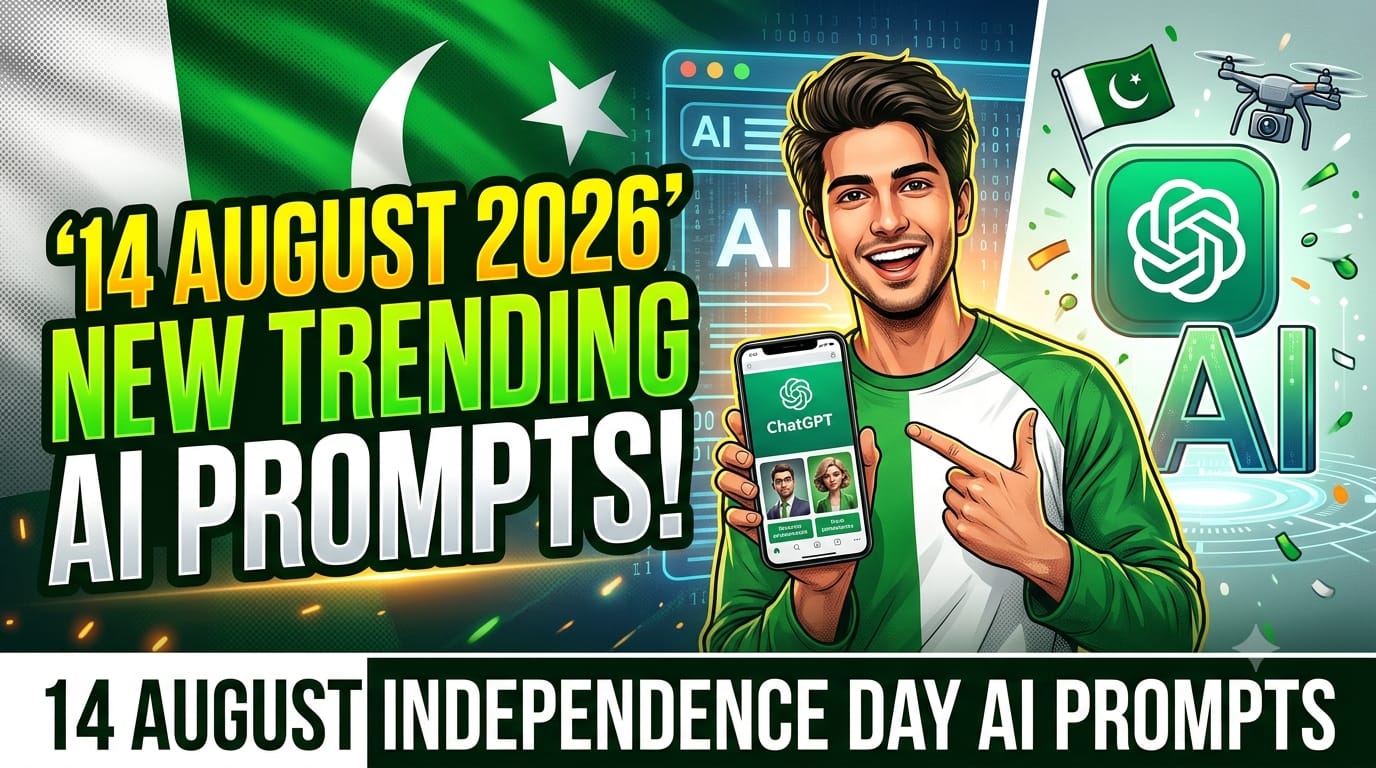
Every year around 14 August, I start seeing the same kind of Independence Day photos on social media, but this year AI photo editing has made things much more interesting. Instead of spending a lot of time in Photoshop or complicated editing apps, you can create a stylish Pakistan Independence Day photo with the help of AI tools such as ChatGPT.
I recently experimented with different AI photo concepts for 14 August, and one thing I noticed quickly was that the result depends heavily on how clearly you describe the image you want. A simple idea can sometimes produce a very basic-looking picture, while a detailed description can create a much more professional result.
Why 14 August AI Photo Editing Is Trending
14 August is a popular time for changing profile pictures, creating WhatsApp statuses, and posting Independence Day content on TikTok, Instagram, and Facebook.
AI makes this process easier because you don’t necessarily need advanced photo-editing skills. You can start with your own picture and describe the type of Independence Day design you want.
For example, you can create concepts featuring the Pakistani flag, green and white lighting, traditional clothing, patriotic backgrounds, portraits, city scenes, or minimal studio-style designs.
The best part is that you can experiment with several ideas before deciding which style looks best./
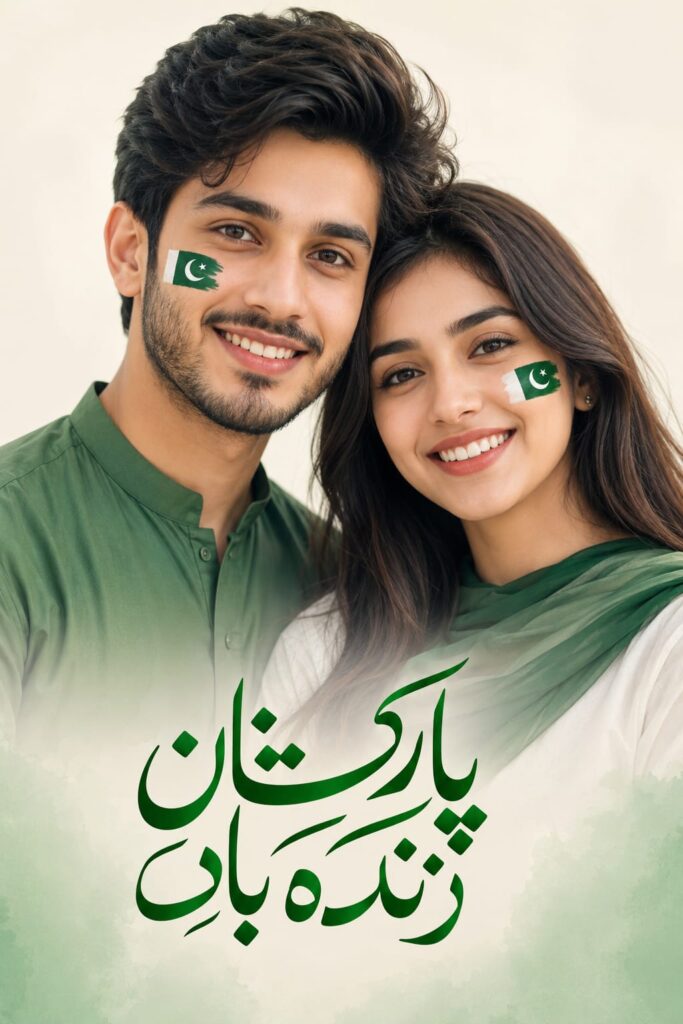
Close-up of a happy young Pakistani couple, both have small Pakistani flags painted on their cheeks, smiling warmly. Simple solid off-white background with soft green tones, minimal design. Elegant Urdu calligraphy "پاکستان زندہ باد" written beautifully in the center bottom. Soft natural light, clean and modern, high detail, 8k
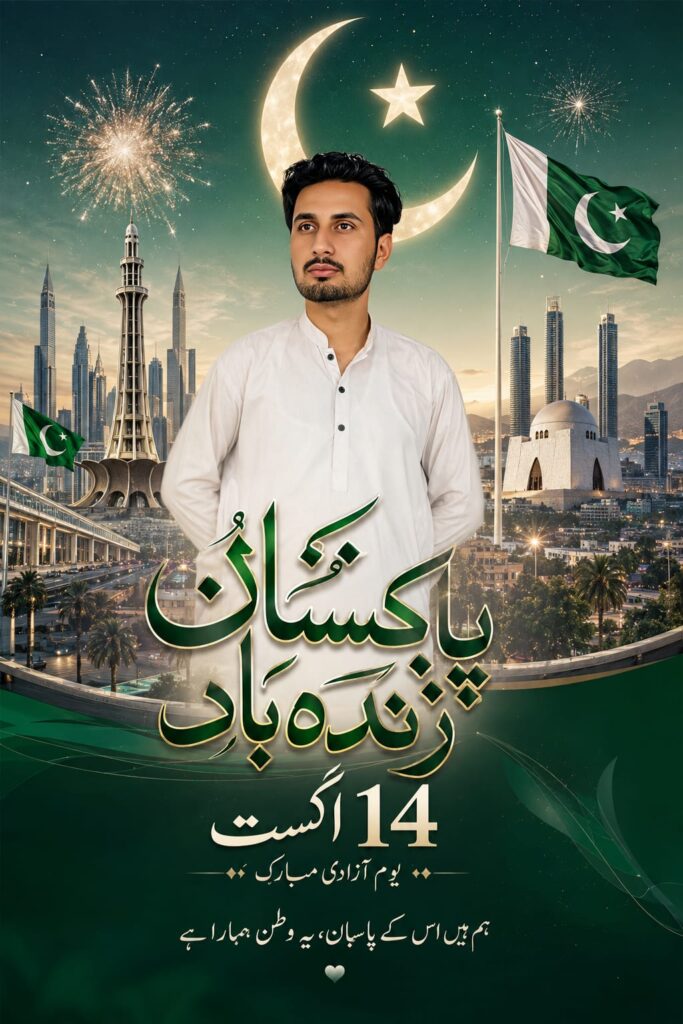
Ultra detailed Pakistan Independence Day cityscape poster, majestic skyline of Islamabad and Lahore mixed with modern and traditional architecture, green and white Pakistani flag waving everywhere, golden crescent and star glowing in the sky, beautiful fireworks bursting in green and white colors. Elegant Urdu calligraphy of "پاکستان زندہ باد" and "14 اگست" in the center with golden and emerald green ink in beautiful Nastaliq style. Cinematic lighting, highly detailed, 8k, vibrant colors, professional digital art, epic atmosphere
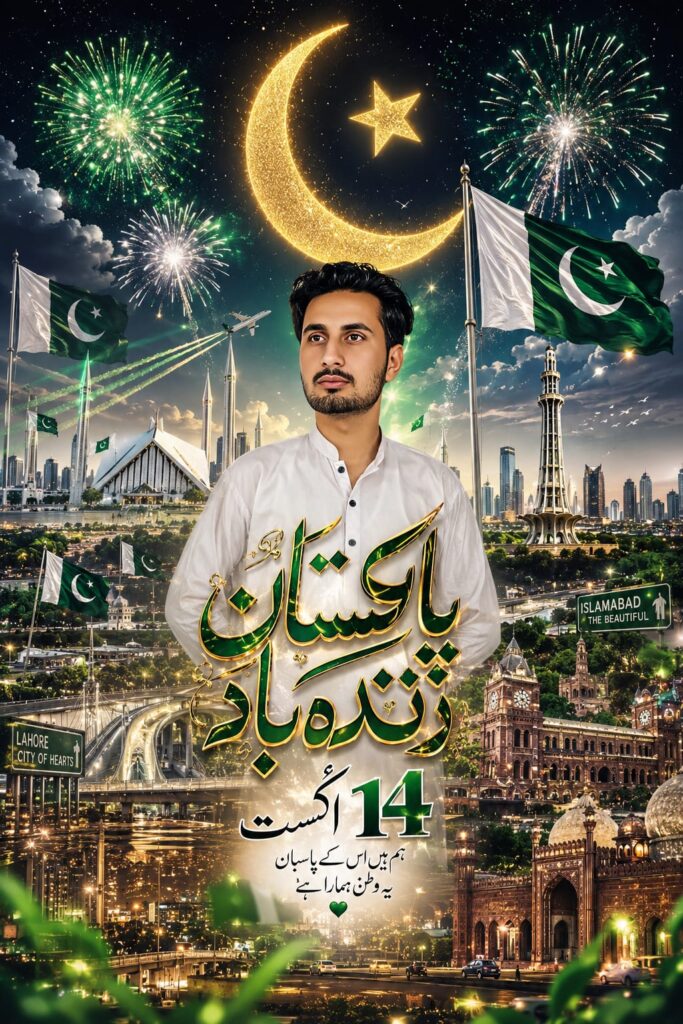
Clean premium 14 August Pakistan Independence Day city poster, modern minimalist skyline of Karachi and Islamabad at dusk, soft green and white color palette, subtle fireworks and glowing crescent moon. Centered elegant bold Urdu calligraphy "پاکستان زندہ باد" and "14 اگست" in refined Nastaliq style. Luxury feel, high contrast, sharp details, professional graphic design, 8k resolution
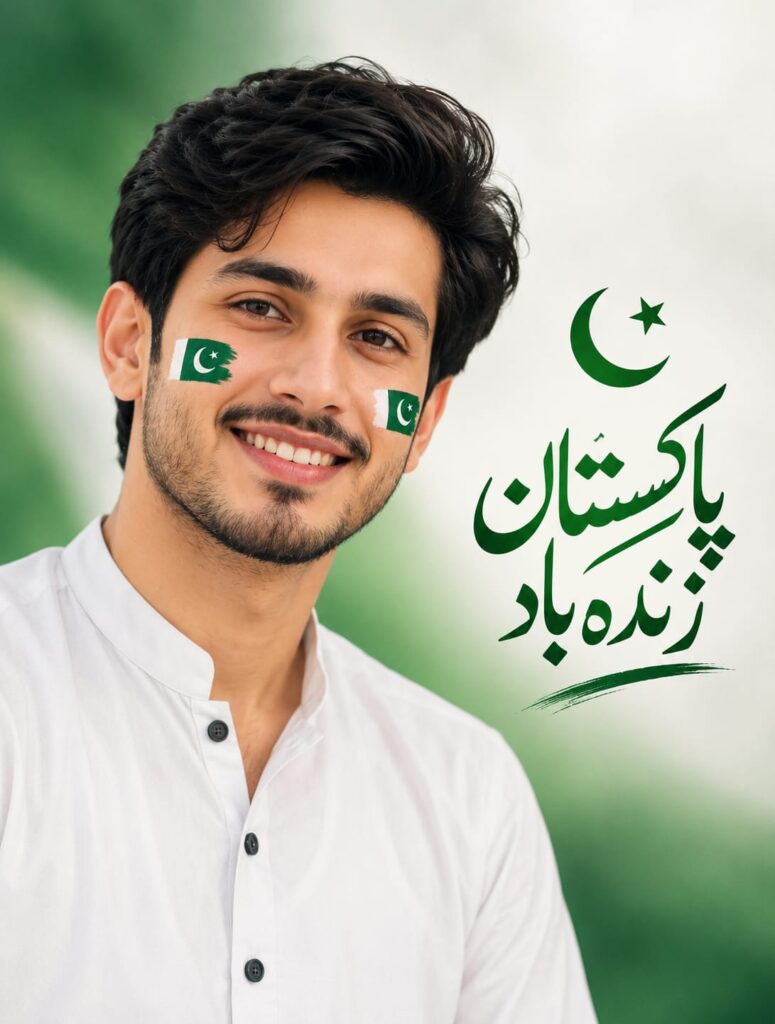
Close-up portrait of a young Pakistani boy smiling brightly, small Pakistani flags painted on both cheeks, short black hair, clean face. Soft Urdu calligraphy "پاکستان زندہ باد" near him. Simple plain soft green and white gradient background, clean and minimal, natural soft lighting, highly detailed, 8k, realistic
How to Create 14 August AI Photos
The process is fairly simple if you’re using ChatGPT or another AI image-generation tool.
Step 1: Choose a Good Photo
Start with a clear photograph. A front-facing portrait usually works well because AI tools can understand the face and clothing more easily.
I made the mistake of trying an old, low-quality image once, and the result wasn’t nearly as good. If possible, use a sharp photo with good lighting and avoid pictures where the face is heavily covered.
Step 2: Describe Your Desired Style
Instead of simply asking for an “Independence Day photo,” describe the complete scene.
Think about:
- Background
- Clothing
- Lighting
- Pakistani flag elements
- Facial expression
- Camera style
- Image quality
- Text or calligraphy
- Overall mood
Giving these details helps the AI understand what you’re actually trying to create.
Step 3: Try Different Designs
Don’t stop after generating one image.
For 14 August, you can experiment with a clean portrait, cinematic design, traditional Pakistani theme, flag-inspired background, studio photography style, or a simple green-and-white composition.
Sometimes the first result looks good but doesn’t match the original photo properly. Generating another version can fix small problems./
My Experience With AI Independence Day Editing
One thing I learned while testing these designs is that more details don’t always mean a better result.
When I added too many objects and instructions to one image, the final composition became messy. The face looked fine, but the background had unnecessary elements.
A simpler description with a clear subject usually produced a cleaner result.
Another issue I noticed was text. AI-generated Urdu text can sometimes contain spelling mistakes or strange-looking letters. If you need accurate Urdu writing, it’s often better to add the text later using an editing app such as Canva, PicsArt, or Photoshop.
Where You Can Use These AI Photos
Once you’ve created your Independence Day image, there are plenty of ways to use it.
You can make it your WhatsApp or Facebook profile picture, upload it to Instagram, create a TikTok post, use it as a YouTube thumbnail, or simply share it with friends and family.
For social media, I recommend keeping the main subject clearly visible. A very busy background may look impressive at first, but it can make a profile picture difficult to recognize.
Common Mistakes to Avoid
One common mistake is using a poor-quality source photo. AI can improve the appearance of an image, but it cannot always perfectly fix an extremely blurry or heavily compressed picture.
Another mistake is asking for too many things at once. If you want a professional portrait, focus on the person first and keep the background simple.
Also, don’t blindly trust every generated image. Check the face, hands, clothing, flag details, and any text before posting it. AI-generated images can occasionally create small visual errors that aren’t obvious at first glance.
Final Thoughts
Creating 14 August 2026 Independence Day photos with AI can be a fun way to make your social media profile look different without spending hours learning complicated editing software.
The main trick is to start with a good photograph, explain the visual idea clearly, and experiment with different styles. You don’t need to make every image extremely complicated. In many cases, a clean portrait with subtle Pakistani colors and a well-designed background looks much better.
If you’re planning your 14 August posts this year, experimenting with AI-generated Independence Day designs is definitely worth trying. Just remember to check the final image carefully before sharing it, especially if it contains text or important visual details.