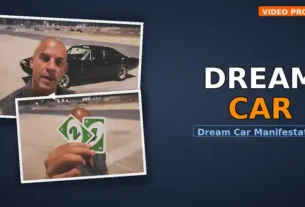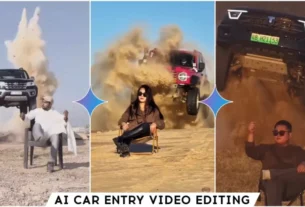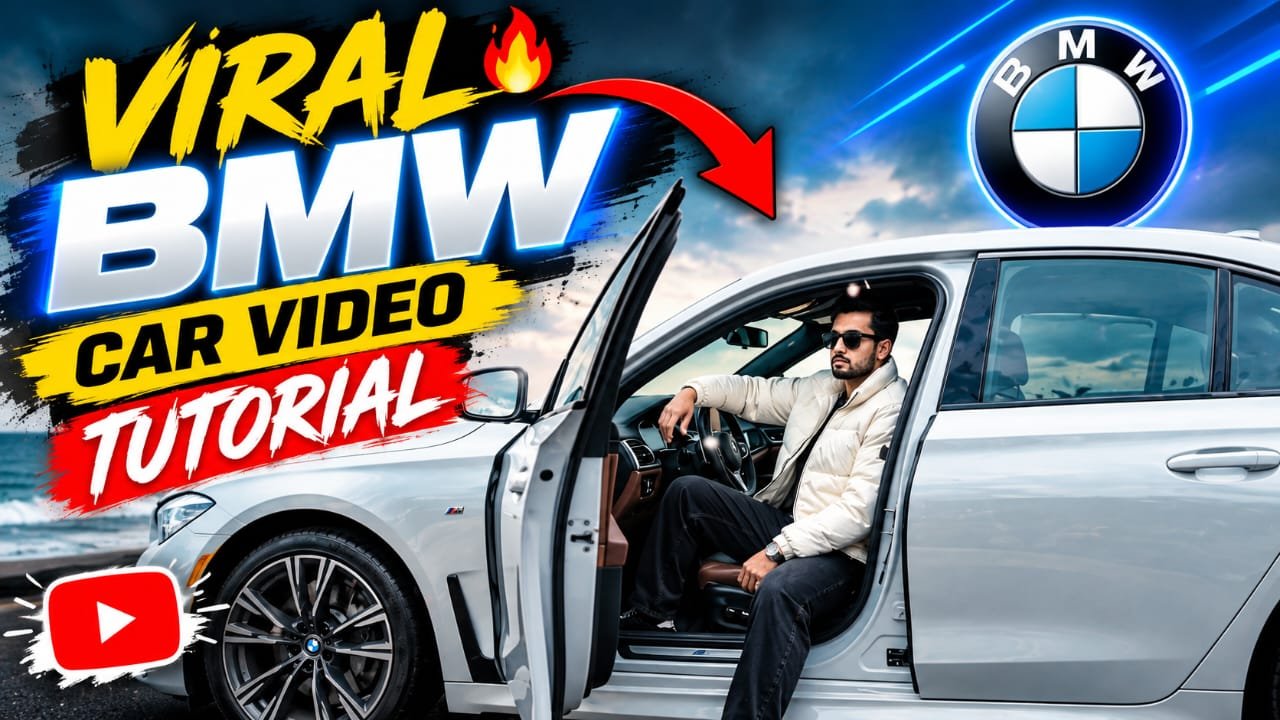
This AI car driving trend is taking over TikTok and Instagram Reels right now because it looks like a million-dollar automotive commercial. The crazy part? You do not need a film crew, a luxury car, or even any complex video editing apps to pull it off. You can generate the entire masterpiece directly inside Flow AI or Google Gemini. Here is how to create your own viral clip in just a few clicks!
Have you seen those viral BMW cinematic AI videos on Instagram Reels and TikTok? These videos show luxury BMW cars with dramatic lighting, smooth camera movements, realistic reflections, and professional car-commercial vibes. The best part is that you can create a similar video directly with Google Flow AI or Google Gemini using a simple detailed prompt.
BMW Cinematic AI Video Prompt
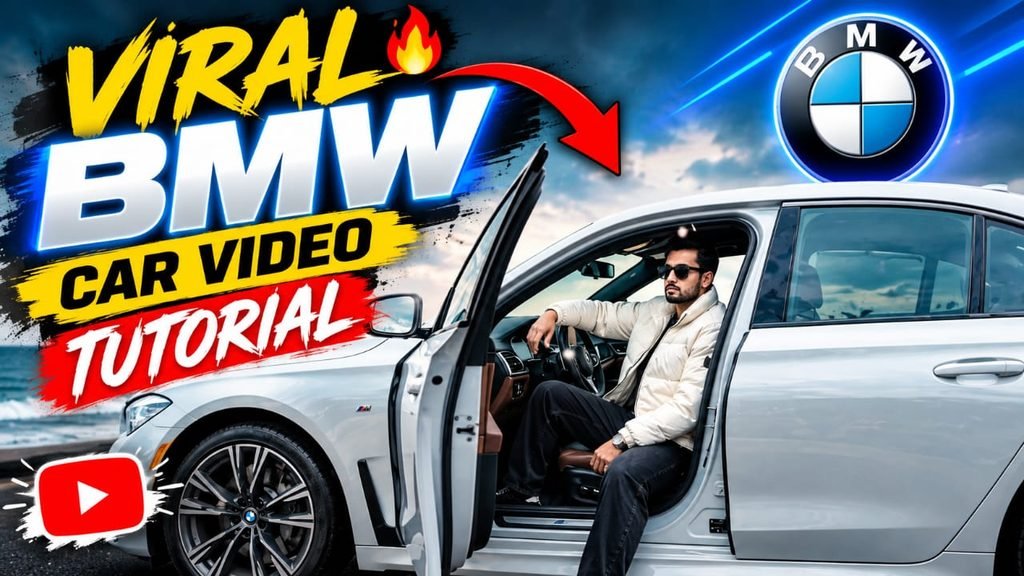
VIDEO PROMPT (15s | 5 shots | slow motion + speed ramps | smooth arcs + push/pull | cinematic luxury): Young man wearing a white puffer jacket, black baggy jeans, black sneakers, black sunglasses, and a black Rolex watch, sitting in a luxury BMW on a wet coastal road with cherry blossoms, ocean backdrop, strong wind, drifting petals, soft overcast lighting, and glossy reflections. SHOT 1 (0:00–0:03): Over-shoulder interior shot focused on the steering wheel and BMW logo, camera arcs right with a slow push-in in slow motion, his hand resting lightly on the steering wheel with subtle natural movement while reflections slide across the interior. SHOT 2 (0:03–0:06): Extreme close-up of his wrist, micro arc with push-in in slow motion, he slightly pulls back his sleeve to reveal a black Rolex watch, with the metal catching soft light and realistic reflections shimmering across the surface. SHOT 3 (0:06–0:09): Tight face shot, camera arcs left with a push-in, speed ramp from real-time to slow motion, he lifts one hand and lowers his sunglasses slightly from the middle, giving a quick subtle wink through the gap before holding a calm, confident expression, while cherry blossom petals drift naturally across the foreground and wind moves his jacket. SHOT 4 (0:09–0:12): Driver-side window, tight slightly low-angle shot, camera arcs right with a slow push-in in slow motion, BMW door wide open, he sits relaxed with one leg slightly outside and his arm resting naturally, minimal movement, strong wind lifting the white puffer jacket and petals blowing across the frame with clean cinematic reflections. SHOT 5 (0:12–0:15): Final cinematic hero shot showing the young man and BMW together against the ocean backdrop, using a slow pull-back with a subtle arc in slow motion, wet road reflecting the car and environment while cherry blossom petals continue drifting in the strong wind, ending on a premium, elegant, confident frame. STYLE: Minimal, controlled, premium aesthetic, smooth camera arcs only, shallow depth of field, cinematic motion blur, realistic skin and fabric textures, glossy BMW reflections, soft overcast lighting, strong wind interaction, realistic physics, consistent character identity, consistent outfit, consistent BMW design, consistent environment and lighting throughout, no distorted hands, warped car parts, facial changes, unnatural movement, duplicate objects, or sudden environment changes, ultra-realistic cinematic luxury commercial, 9:16 vertical.
How to Create the Video
Step 1: Open Google Flow AI or Google Gemini and select the available video-generation feature.
Step 2: Upload a clear BMW reference photo when the tool allows image references. A good-quality image can help maintain the car’s appearance.
Step 3: Copy the prompt above and paste it into the video prompt box.
Step 4: Select 9:16 vertical format for TikTok and Instagram Reels when available, then click Generate.
Step 5: Create additional shots such as a low-angle front view, side tracking shot, wheel close-up, and rear shot. Keep the same BMW reference and description for better consistency.
Step 6: Review the result and use the available Download/Export option to save your finished AI video.
Tips for Better Results
Use a high-quality reference image and describe the car consistently. Keep camera movements simple and realistic. For a premium look, try night scenes, wet roads, city lights, cinematic shadows, and shallow depth of field.
Conclusion
This Viral BMW Car Cinematic AI Video Editing Prompt can help you create impressive automotive videos directly with Flow AI or Google Gemini. Try different locations, lighting styles, and camera angles to create your own viral-style BMW video.