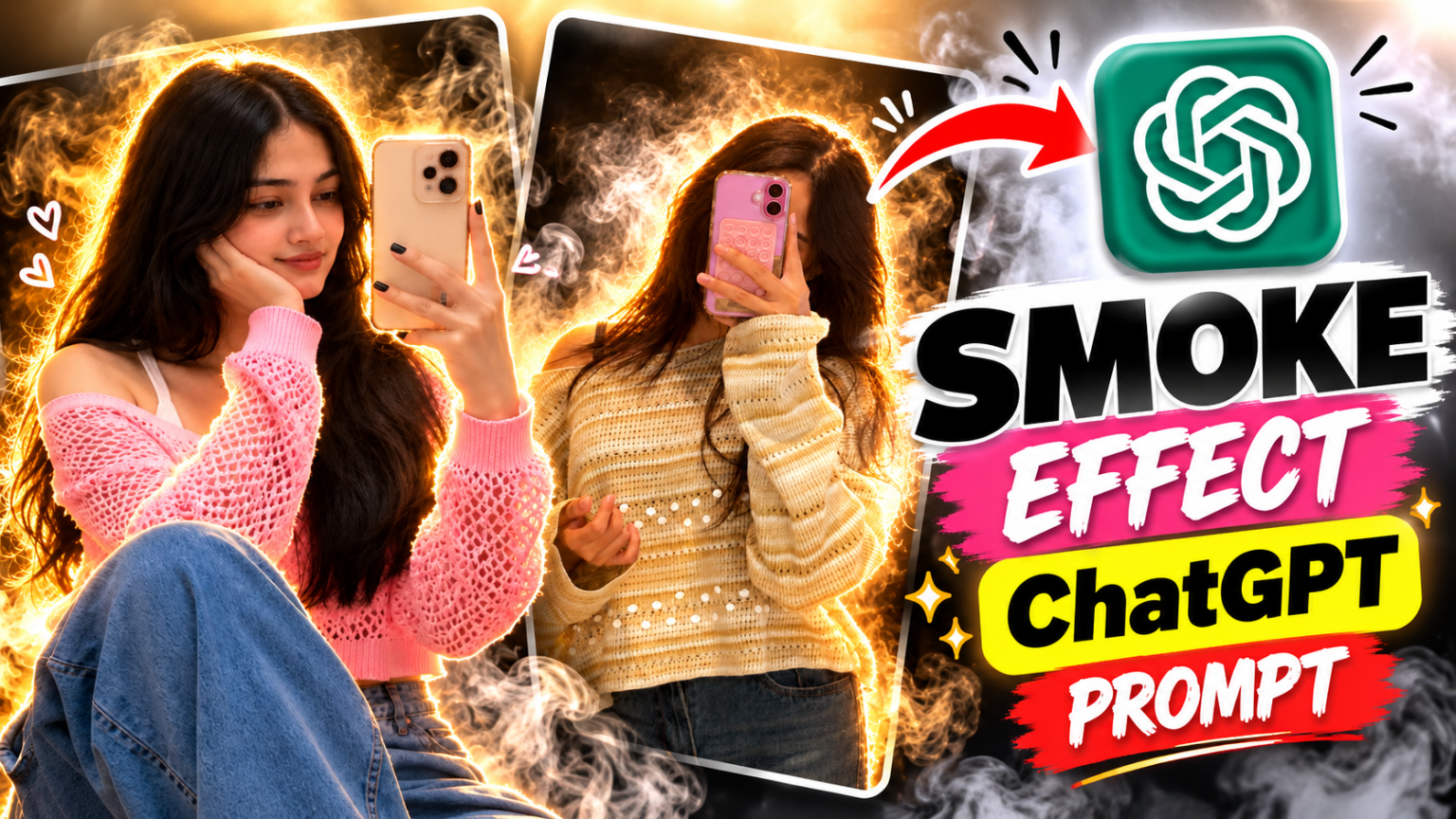
Nowadays, AI photo editing is becoming very popular on Instagram, and creators are trying different styles to make their pictures look more attractive. One of the latest creative editing ideas is the Instagram Trending Smoke Effect, where colourful smoke, cinematic lighting, and dramatic backgrounds give an ordinary photo a professional look.
If you also want to create this trending smoke effect photo, you don’t need advanced editing skills. You can use ChatGPT to transform your normal picture into a stylish cinematic portrait. Simply upload your photo, copy the prompt below, and let ChatGPT create the edited image.
Instagram Trending Smoke Effect ChatGPT Prompt
The best thing about this editing style is that you can experiment with different smoke colours, backgrounds, and lighting effects. For a realistic result, use a clear photo where your face is properly visible.
[COPY THIS PROMPT]
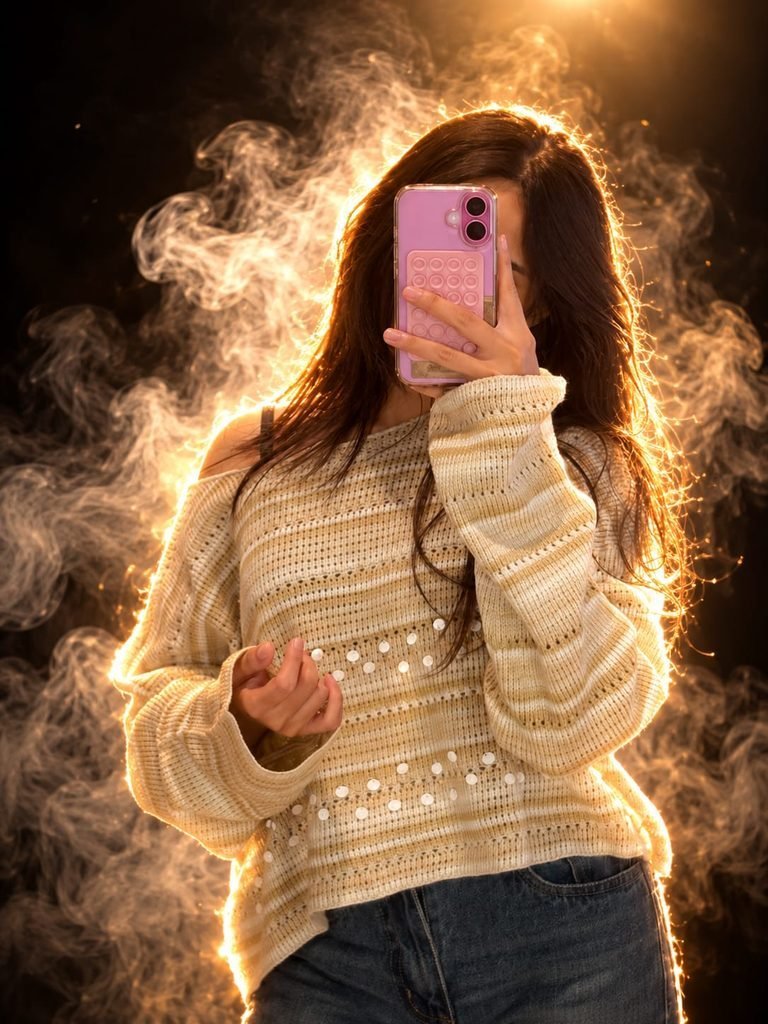
"Transform the uploaded normal photo into a cinematic studio portrait. The person is holding a smartphone in front of their face, hiding it. The entire outline and edges of the person (hair, shoulders, and clothes) are glowing with a bright golden-orange rim light and fiery sparkling effect. The background is completely dark, filled with dramatic swirling golden smoke and atmospheric fog, illuminated from behind by a warm, intense light source. Maintain the person's pose and outfit style from the reference photo while applying this magical, smoky, rim-lit glowing aura effect."
How To Create Smoke Effect Photos Using ChatGPT
Follow these simple steps to create your own trending AI photo.
- Open ChatGPT: Visit ChatGPT on your mobile or computer.
- Upload Your Photo: Select a clear portrait from your gallery.
- Copy the Prompt: Copy the complete Instagram Smoke Effect prompt given above.
- Paste the Prompt: Send the prompt along with your uploaded photo.
- Generate Your Image: Wait for ChatGPT to process your request and create the edited picture.
- Save Your Photo: If you like the result, download the generated image and share it on Instagram.
Tips for Better Smoke Effect Editing
For the best results, use a high-quality original photo with good lighting. You can also replace the smoke colours in the prompt with red and black, blue and purple, or green and orange to create different styles.
Final Words
The Instagram Trending Smoke Effect is a great way to make your normal pictures look stylish and cinematic. Try this ChatGPT AI Photo Editing Prompt, experiment with different smoke colours, and create your own viral-looking Instagram photos.