Look, this Chibi cartoon trend suddenly exploded everywhere. I was scrolling YouTube Shorts last night and literally every second creator was posting these cute tiny cartoon edits with big eyes, soft skin glow, and anime-style faces. Google trends are full of this currently, and honestly, many users are trying this on mobile because the results look crazy good.
One weird thing I noticed is that even normal selfies are turning into aesthetic cartoon posters after AI editing. Some edits look funny, some adorable, and some honestly feel like animated movie characters. People are using them for WhatsApp DPs, Instagram profiles, gaming thumbnails, and even couple photos.
The funny thing is, most users are creating these edits without heavy editing skills now.
What Is Chibi Cartoon CHATGPT AI Editing
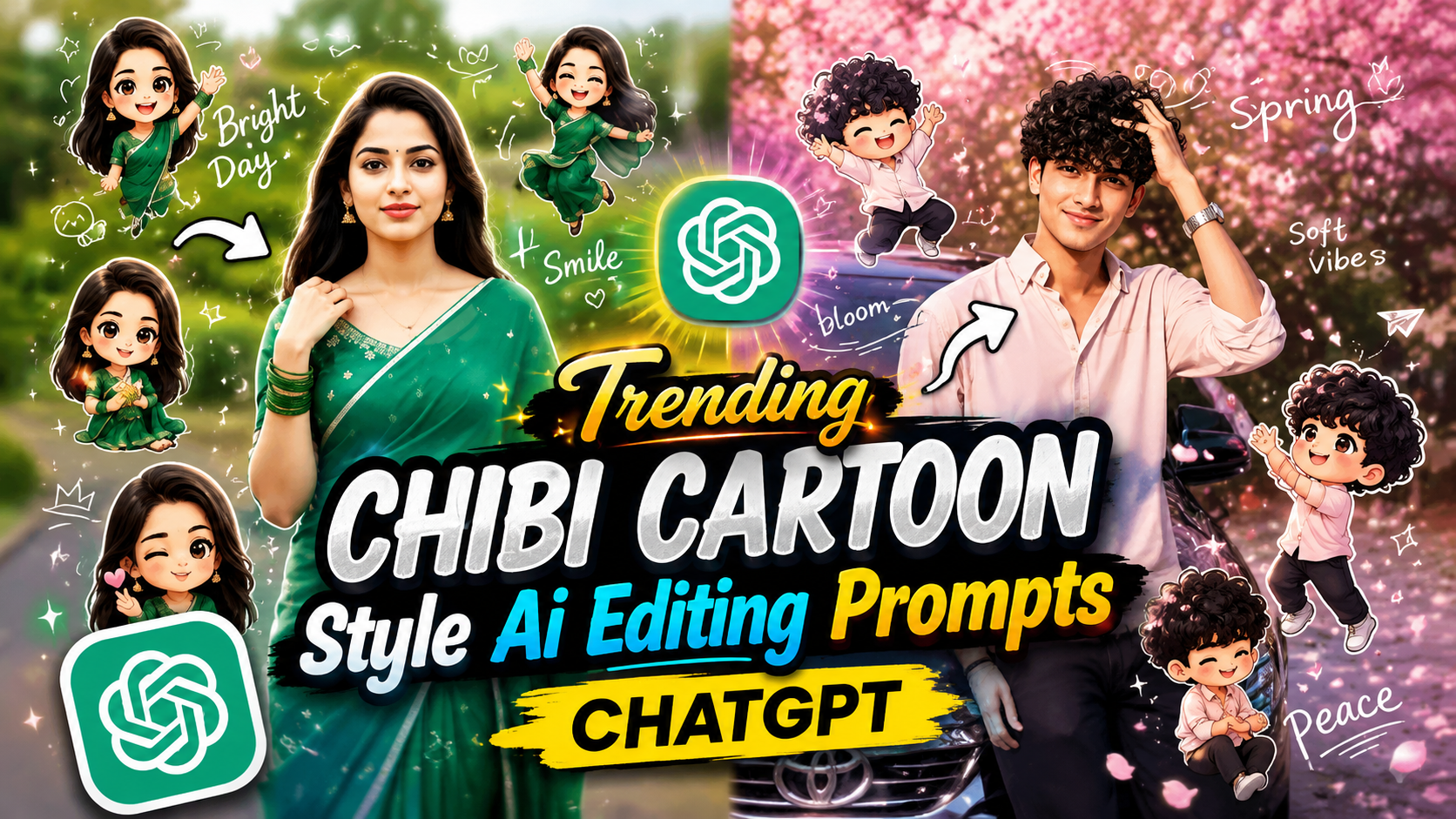
Basically, Chibi cartoon AI editing is a style where AI transforms a real photo into a cute cartoon version with oversized eyes, tiny body proportions, soft expressions, and colorful animated vibes.
Nowadays many creators are using tools like ChatGPT and other AI image generators to make these edits because the output looks smooth and detailed. The Korean-style soft lighting and cinematic background blur make the images even more attractive.
As far as I have seen, girls mostly love pastel cute Chibi edits while boys are making stylish anime-like versions with dark shadows and neon backgrounds.
Why Chibi Cartoon AI Photos Are Trending Online
Honestly, this trend became huge suddenly because people are bored of normal filters now. AI cartoon styles feel fresh. Also, YouTube Shorts creators started posting before-after transformation videos, and those videos got millions of views very fast.
Another reason is the emotional vibe. These Chibi edits look cute and expressive at the same time. Friends are making group cartoon photos, couples are creating matching Chibi wallpapers, and gamers are using them as profile pictures.
People are posting these edits everywhere now because they look professional even when made on mobile.
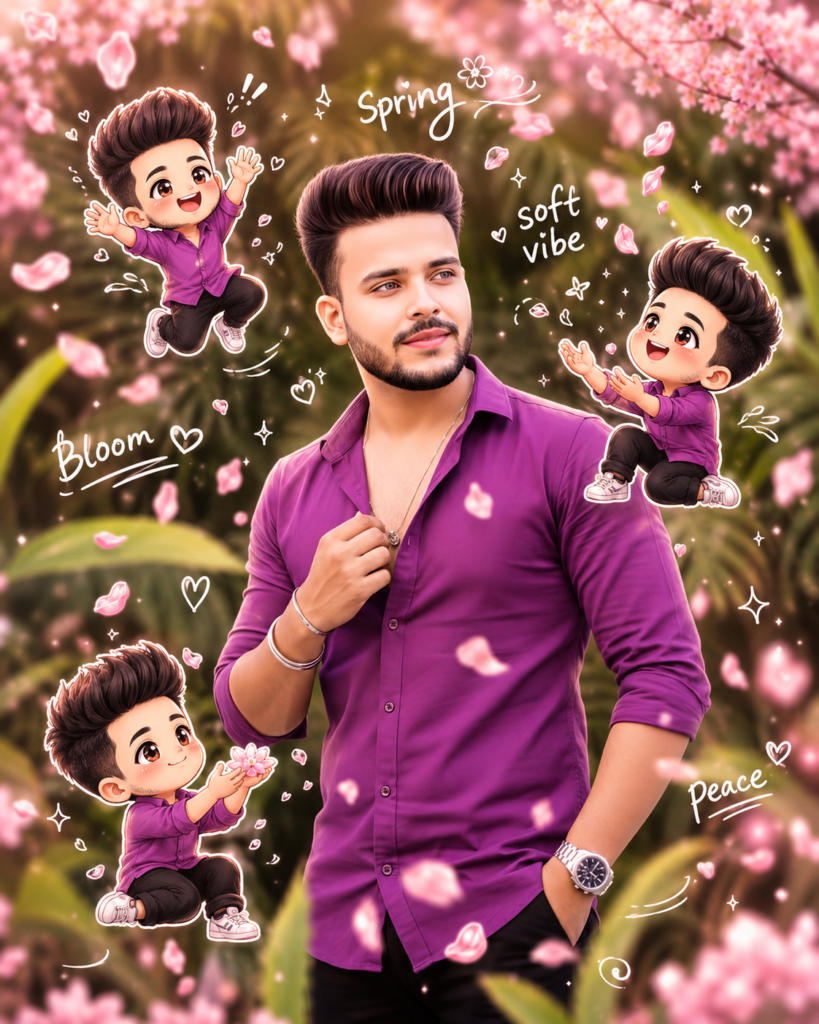
Use a real face as reference. Keep original background. Soft warm lighting with gentle pink tint. Add 3D chibi mini characters playing with falling sakura petals (jumping, catching petals, sitting). Add hand-drawn white doodles like petals, wind swirls, hearts, sparkles. Include handwritten words like “spring,” “soft vibe,” “bloom,” “peace.” Style: Korean aesthetic, pastel pink tones, glossy chibi, soft romantic feel, sticker outline, 4:5 ratio.
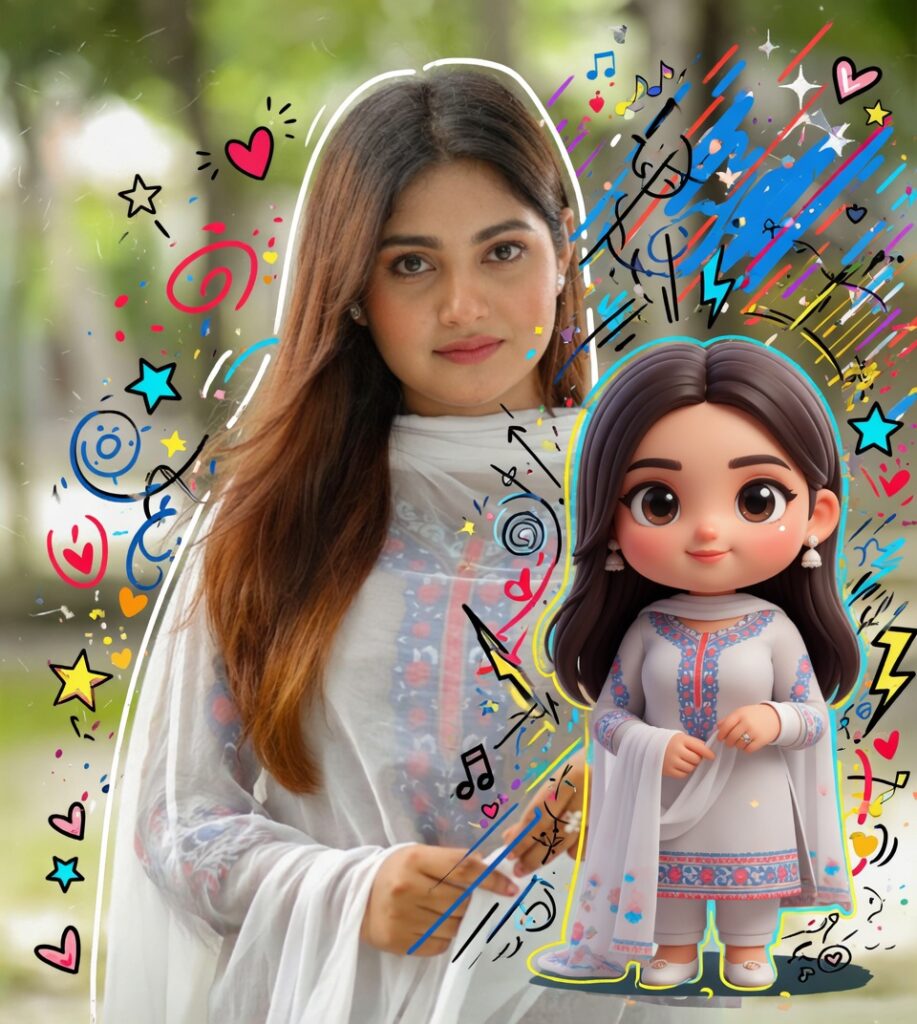
High-quality mixed-media portrait of a stylish person with a photorealistic look, accompanied by a matching 3D chibi version on the right mirroring the pose, same outfit and face; add vibrant doodle overlays (white/yellow outlines, stars, hearts, sparkles, scribbles, electric accents in white, black, red, yellow, blue), blending realistic photography with colorful cartoon style while keeping facial features and proportions unchanged.
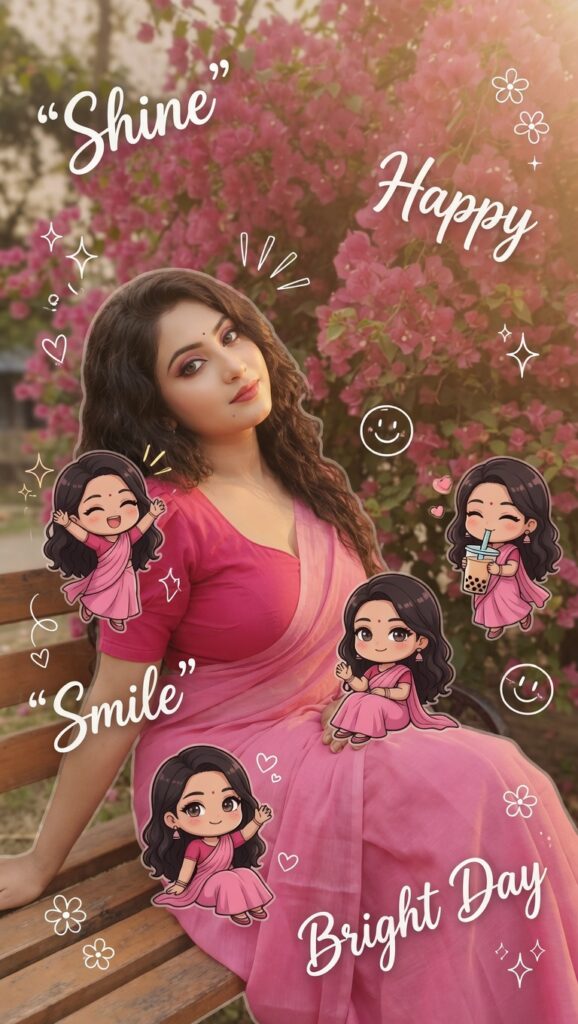
Use the real face from the reference photo and keep the same background. Create warm, soft lighting with subtle shadows. Add several mini 3D chibi versions of the character around the frame with matching facial features and cute poses like jumping, waving, sitting relaxed, and holding a drink. Include white hand-drawn doodles such as stars, hearts, sparkles, motion lines, and cute icons. Add aesthetic handwritten words like “Shine”, “Bright Day”, “Happy”, and “Smile”. Keep the style clean, glossy, pastel-toned, Korean-inspired, Instagrammable, and highly detailed with a white sticker outline.
How To Make Chibi Cartoon AI Photos Using ChatGPT
First, upload a clear selfie with good lighting. Front camera selfies work best mostly because AI understands face details better that way. Blurry photos usually fail badly.
Then use AI image tools connected with ChatGPT-style image generation and describe the cartoon look naturally. Many users also improve the final result using apps like CapCut or PicsArt for extra glow and cinematic effects.
Sometimes AI changes eyes strangely or makes hands weird, so retrying 2–3 times is very normal. Good internet helps faster results too because AI image generation can lag sometimes.
HD quality photos always give cleaner cartoon effects.
Final Words
Honestly speaking, this Chibi cartoon AI trend feels different from many old editing styles. It looks cute, emotional, and aesthetic at the same time. From YouTube creators to normal students, people are literally trying this everywhere now.
As far as I have seen, this trend is still growing fast because AI tools are becoming easier day by day. And look, once someone sees their own cartoon version looking like an anime character, they usually keep making more edits again and again.
FAQs
Can I create Chibi AI photos on Android?
Yes, most people are creating them directly on mobile now.
Why do some AI cartoon photos look blurry?
Usually because the uploaded image quality is low.
Are Chibi cartoon edits free?
Many AI tools are free, but some HD exports may need premium access.
Which selfie works best for Chibi editing?
Clear front-face selfies with soft lighting work best mostly.