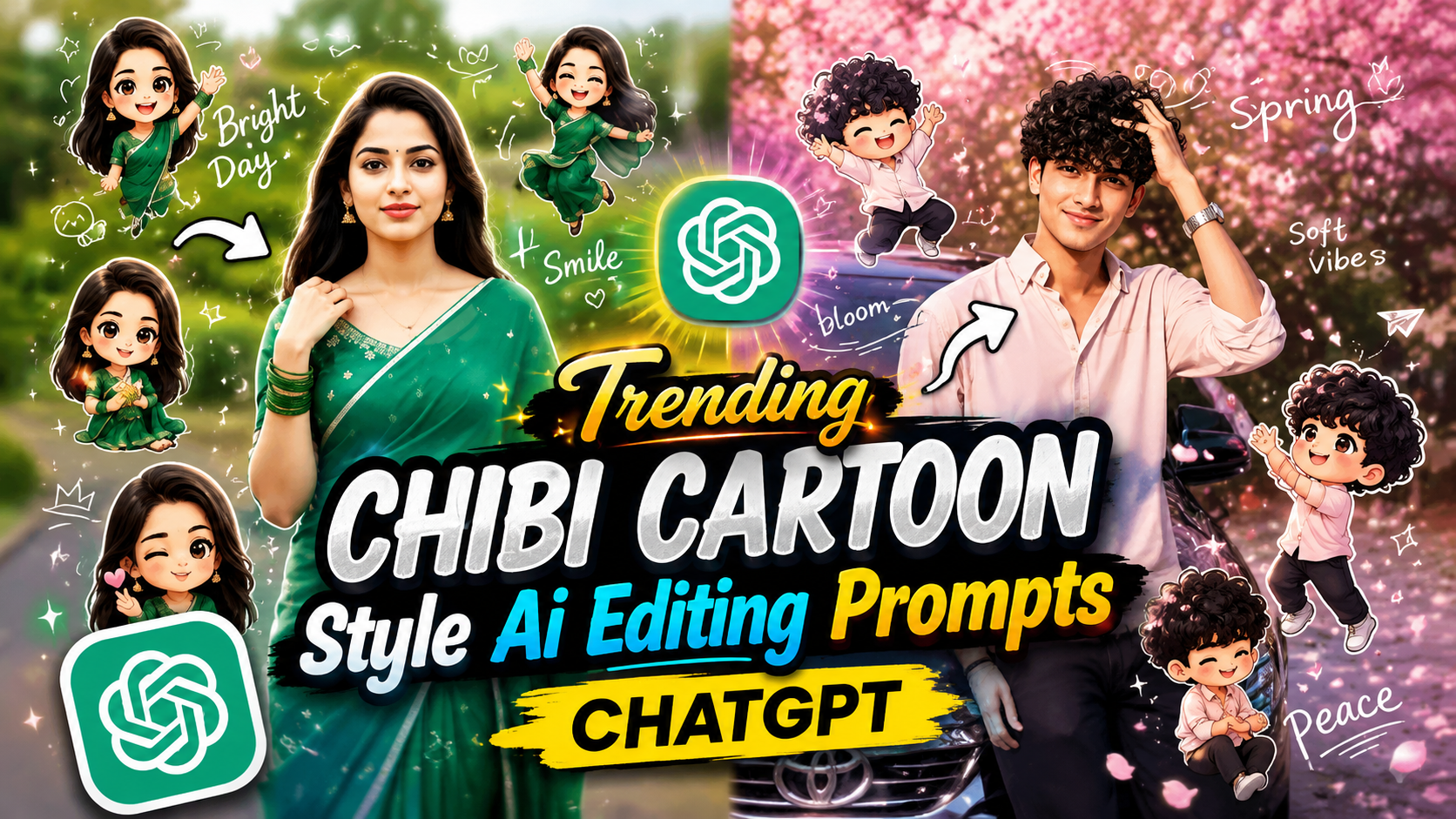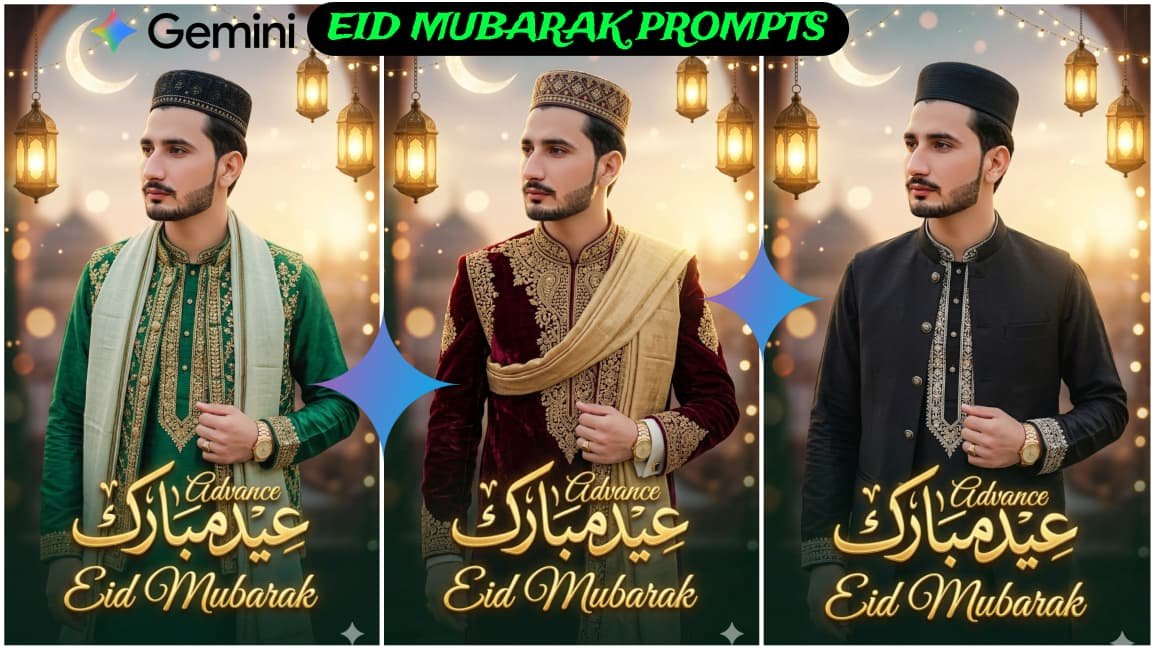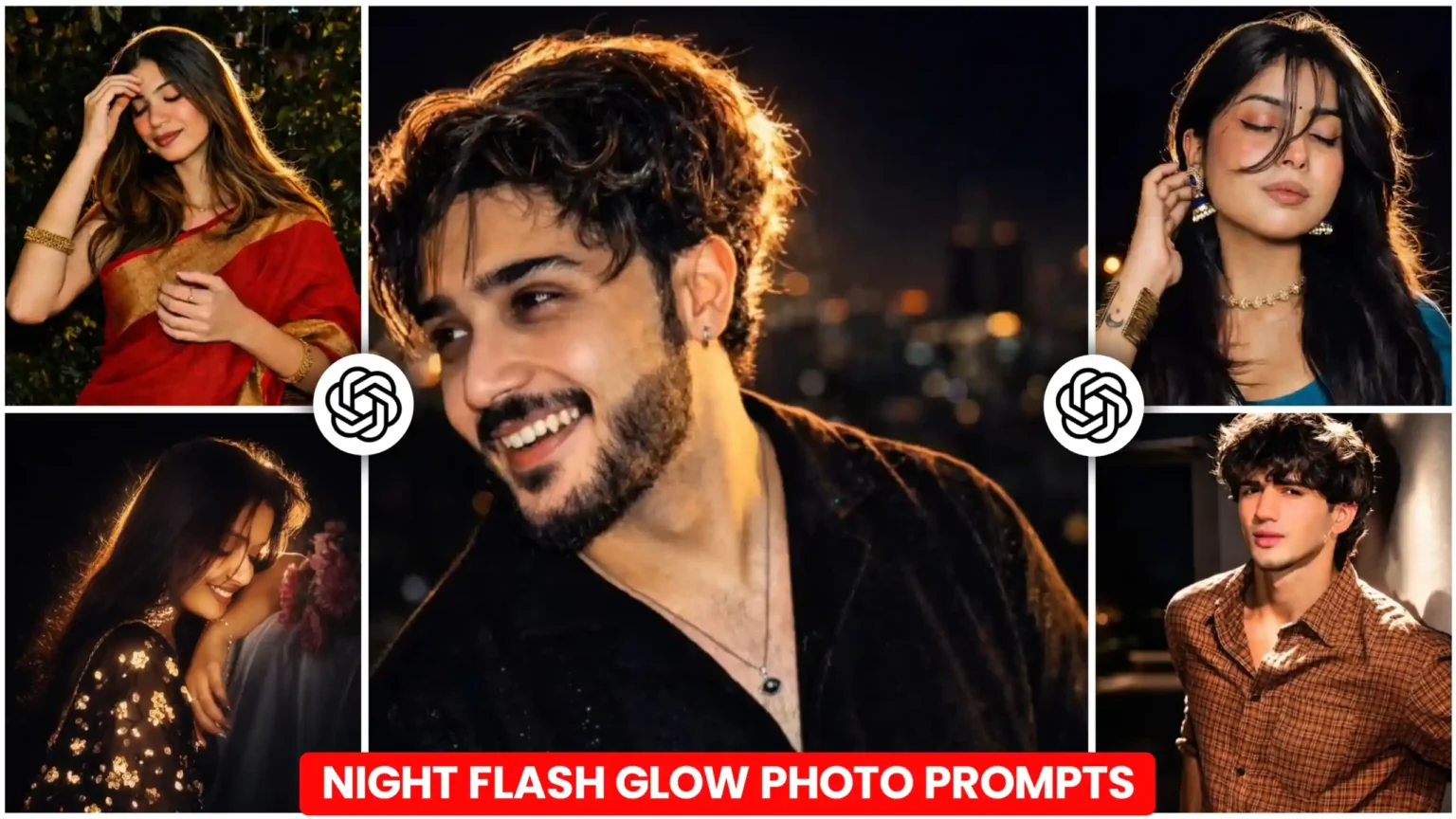
Night flash glow photo editing is trending in 2026, especially among mobile users and content creators. Using ChatGPT prompts, you can easily create stylish, glowing night effects that look professional. This guide explains what it is, why it’s popular, and how you can make your own edits.
What is Night Flash Glow Photo Editing?
Simple Explanation
Night flash glow photo editing is a style where photos are enhanced with bright flash effects, neon glow, and cinematic lighting. These edits give your images a modern and aesthetic look, perfect for social media.
Role of ChatGPT Prompts
ChatGPT prompts help generate detailed editing ideas or AI instructions. You can use these prompts in AI tools or apps to quickly apply glow effects without advanced skills.
Night Flash Glow Photo Editing
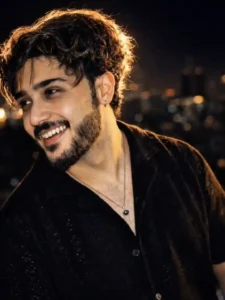
Apply a cinematic night-flash look while keeping the original photo unchanged (pose, composition, details). Make the environment dark and moody with deep shadows. Use a strong warm back flash (behind and slightly above) to create bright rim light on hair, face edges, and shoulders. Add a soft front fill light for subtle facial visibility. Enhance highlights on cheekbones, nose, lips, and hair with a gentle glow. Add light rays, slight lens bloom, soft haze, and atmospheric glow. Keep high contrast with bright subject and dark background. Skin should look smooth, luminous, and warm-toned.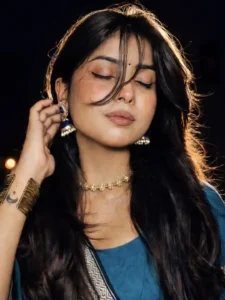
Apply a bold night-flash aesthetic to the uploaded photo while fully preserving every original detail of the…and shoulders. Render skin with luminous translucency and gentle peachy tones. Enhance stray hair strands backlit by sunlight. Hard rule: Do not change the face and hairs of the subject. Do not change the composition and background.Why is Night Flash Glow Editing Popular?
Social Media Trend
This editing style is widely used on Instagram, TikTok, and YouTube thumbnails because it grabs attention instantly.
Mobile-Friendly Editing
Most tools support mobile editing apps, making it easy for beginners to create professional results.
Unique Visual Appeal
Glow effects, shadows, and highlights create a dramatic night vibe that stands out.
How to Make Night Flash Glow Edits?
Step-by-Step Method
- Choose a night photo with dark background
- Use apps like Lightroom or AI tools
- Increase exposure and contrast slightly
- Add neon glow or flash effect using presets
- Use a ChatGPT prompt like:
“Create a night flash glow effect with neon highlights, cinematic lighting, and soft shadows, high contrast, 4K quality.” - Adjust colors (blue, purple, pink tones work best)
- Export in high quality
Conclusion
Night flash glow photo editing using ChatGPT prompts is a powerful and easy way to create stunning visuals. With the right prompts and simple mobile tools, anyone can achieve professional-looking edits in minutes.
FAQs
1. What is a night flash glow prompt?
It is a text instruction used in AI tools to create glowing night effects in photos.
2. Why should I use ChatGPT prompts for editing?
They save time and provide professional editing ideas instantly.
3. How can beginners start this editing style?
Use mobile apps, apply presets, and follow simple AI prompts for best results.